Desktop Thermometer - A gadget for your Windows
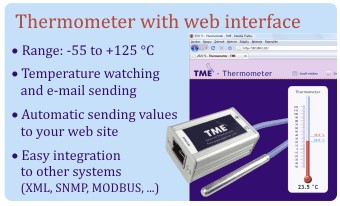
Add a small on-line thermometeror hygrometer on the desktop of your Windows. It will show you the temperature measured by your TME or TH2E. Haven’t you purchased a TME thermometer yet? Your thermometer will display the current temperature anyway.
Windows allow you to add mini-applications – so called Gadgets – on your desktop. The most popular Windows mini-applications are for example clock or mini-applications for Twitter and other social networks. Place the following application among your favourite gadgets and it will display the temperature measured by TME thermometer or it can measure humidity, temperature and dew point from your TH2E.
How does this gadget work?
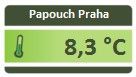
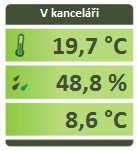
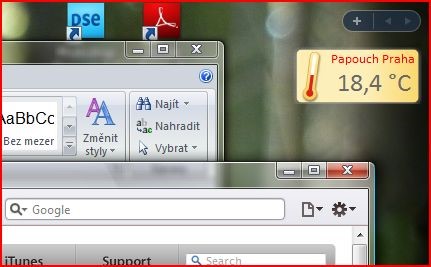
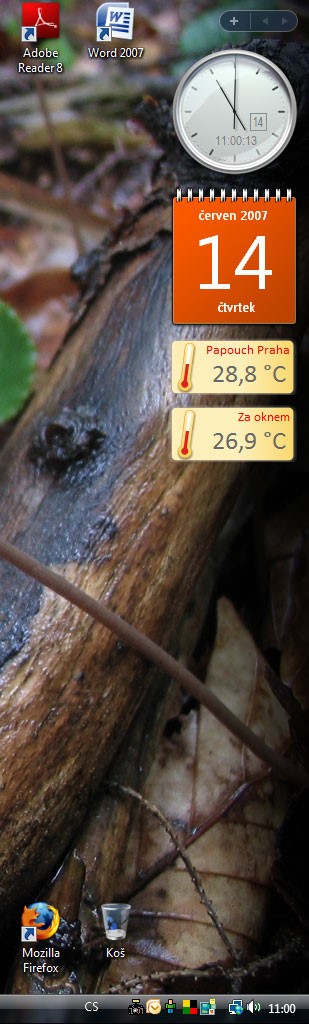
The following figure shows an example of thermometer mini-application on the Windows desktop.
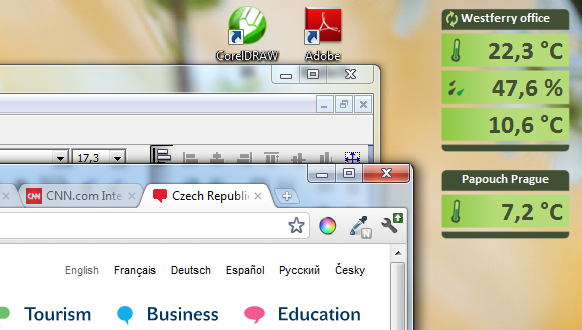
Mini-application on the Windows desktop (temperature, humidity and dew-point and temperature only)
How to install Gadget on Windows 8 / 10?
Gadgets are not normally available in Windows 8 / 10. But this is just a minor hiccup. Just install this application and you can start to use gadgets in Windows 8 / 10 as well.
You do not have a TME and want to test the gadget?
Install it (the link can be found below) and you can monitor the temperature measured by our TME thermometer located at our premises in Prague, Zahradní Město (outdoor temperature).
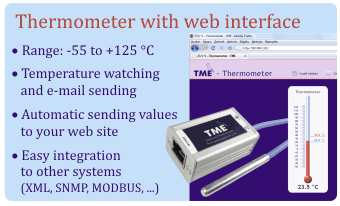
Mini-application for Windows - how to install it?
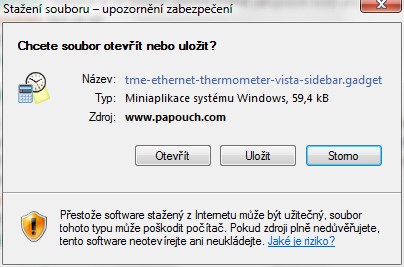
The installation is much easier than in case of "classical" Windows applications. Just click on the link on the bottom of this page and the browser asks you if you want to run the gadget (or to open it using the Sidebar program). You only need to confirm it (by clicking the Open ("Otevřít") button as shown in the following figure) and the thermometer appears on your desktop within seconds.
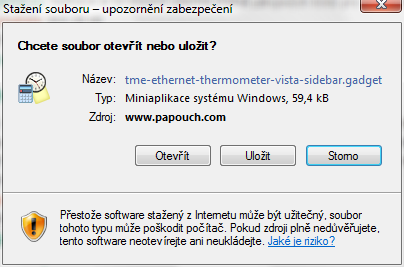
Thermometer installation using the Internet Explorer browser
How to setup the gadget to display the values from your device?
Just move the mouse cursor over the gadget and three buttons appear on the side. One of them, labelled with a tool symbol, opens a simple configuration.
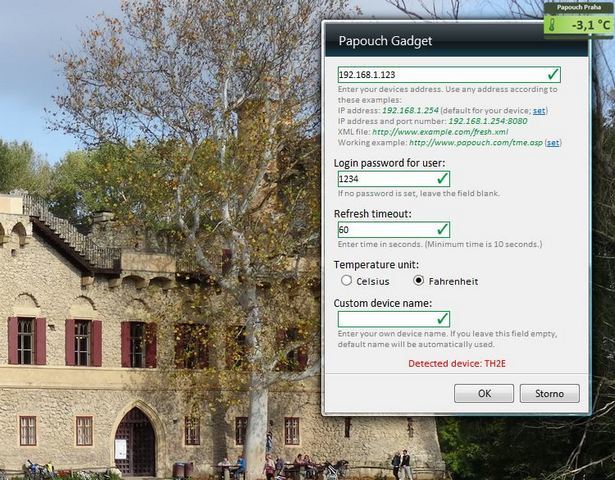
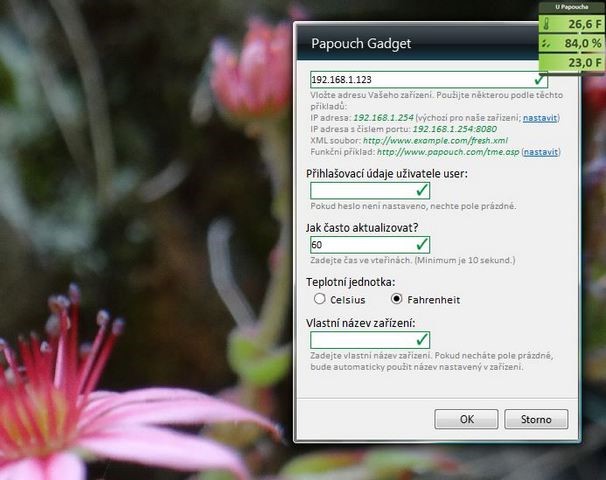
Gadget configuration
In the configuration window just enter the IP address of your device, or the URL address of the XML file with the current temperature and the time period for value updating.
Overview of mini-application innovations
- Version 1.21: The mini-application is able to communicate even with a TME connected into a different network (behind the router). It is possible to set the address even in this format: http://192.168.1.254:8080/tme.xml
- Version 2.1: Gadget can display humidity, temperature and dew point from TH2E. New skin.
- Version 2.3: Fixed display negative temperatures.
- Version 2.41: Added a field for entering the password set in TME/TH2E.
- Version 2.42: Fixed a bug in the update period.
- Version 2.5: Add Celsius/Fahrenheit switching.
- Version 2.6: Fixed: Decimal places in TH2E displayed always as zero.
- Version 2.7: URL address allow https. Fixed default address for downloading temperature from papouch.com.
 Gadget for your Windows

Windows allow you to add mini-applications – so called Gadgets – on your desktop. Place the following application among your favourite gadgets and it will display the temperature, humidity and dew-point measured by TME, TME PoE and TH2E. You do not have a TME and want to test the gadget? Install it and you can monitor the temperature measured by our TME thermometer located at our premises in Prague.
Gadget current version: 2.71
File size: 66 kB
Date: 24.09.2019